

 UK
UK

Fair Tip Allocation Starts With a Simple Check-In
.png?width=1171&height=1192&name=Frame%202087327786%20(3).png)
.png?width=722&height=786&name=Frame%202087327000%20(1).png "Frame 2087327000 (1)")
.png?width=722&height=786&name=Frame%202087327245%20(6).png "Frame 2087327245 (6)")
.png?width=722&height=786&name=Frame%202087327259%20(3).png "Frame 2087327259 (3)")
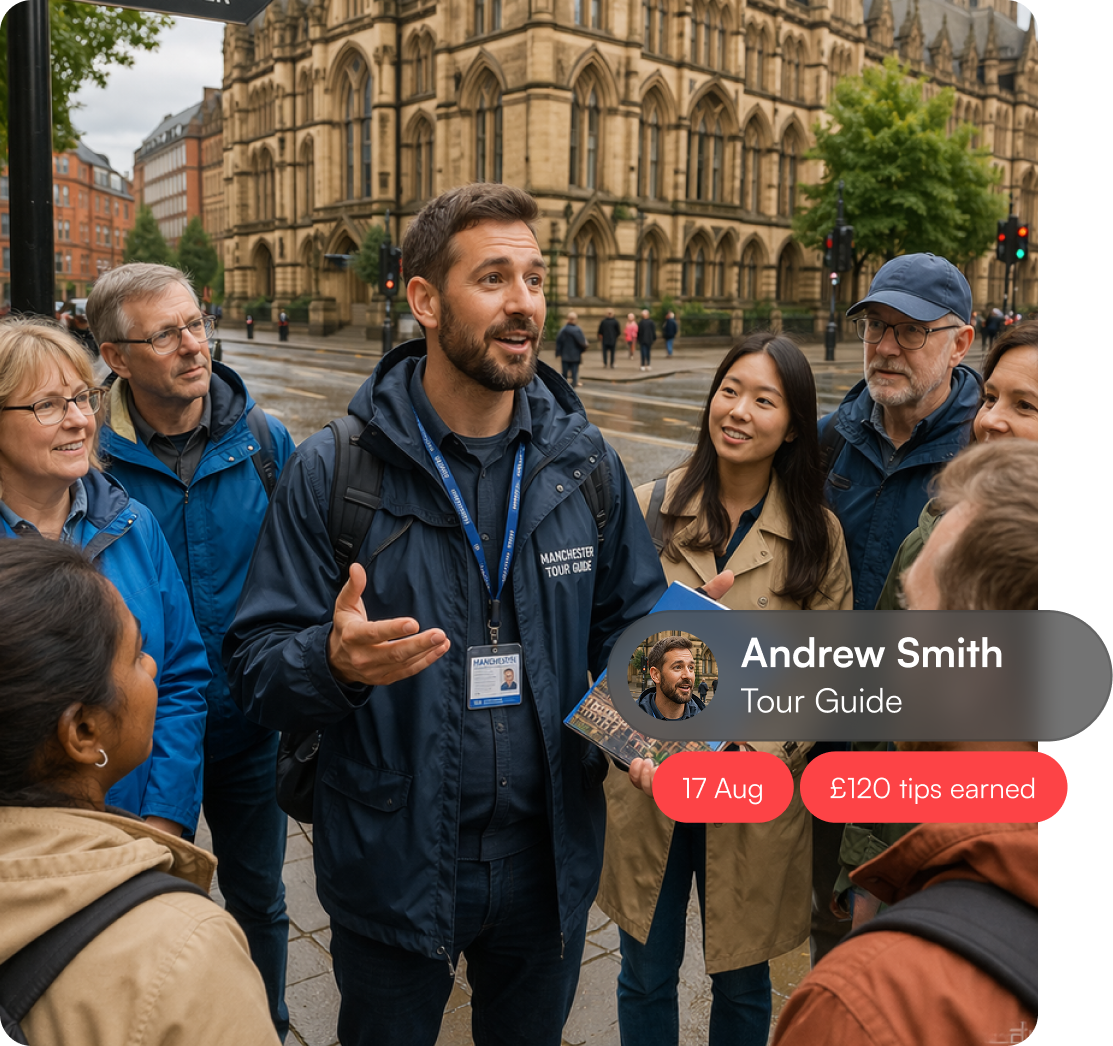
Direct Tips from Every Tour Group. No Admin Work.
Each tour or activity can be linked to the guide who actually led it. A quick QR check-in makes ownership clear, so guests know exactly who they’re tipping and managers don’t have to manually sort payouts later.

Direct Tips from Every Tour Group. No Admin Work.
Each tour or activity can be linked to the guide who actually led it. A quick QR check-in makes ownership clear, so guests know exactly who they’re tipping and managers don’t have to manually sort payouts later.
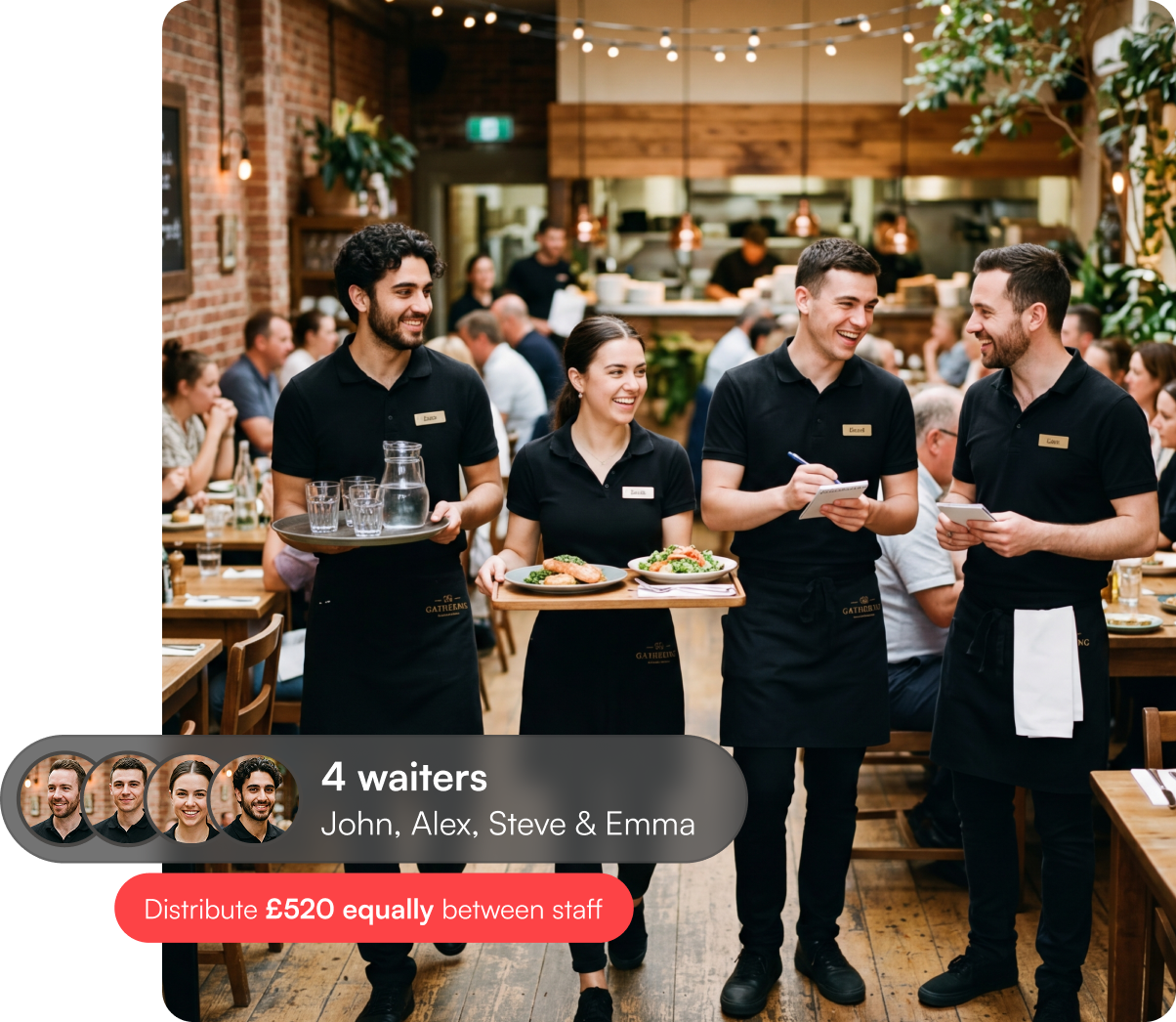
Smarter Shift Tracking for Restaurants
Use QR check-ins to connect venues, shifts, or service areas to the right staff. All the tips collected get allocated to specific shifts automatically based on checkins. Your workers receive tips faster and managers reduce tip allocation headaches.
.png?width=231&height=79&name=Frame%202087327265%20(2).png)


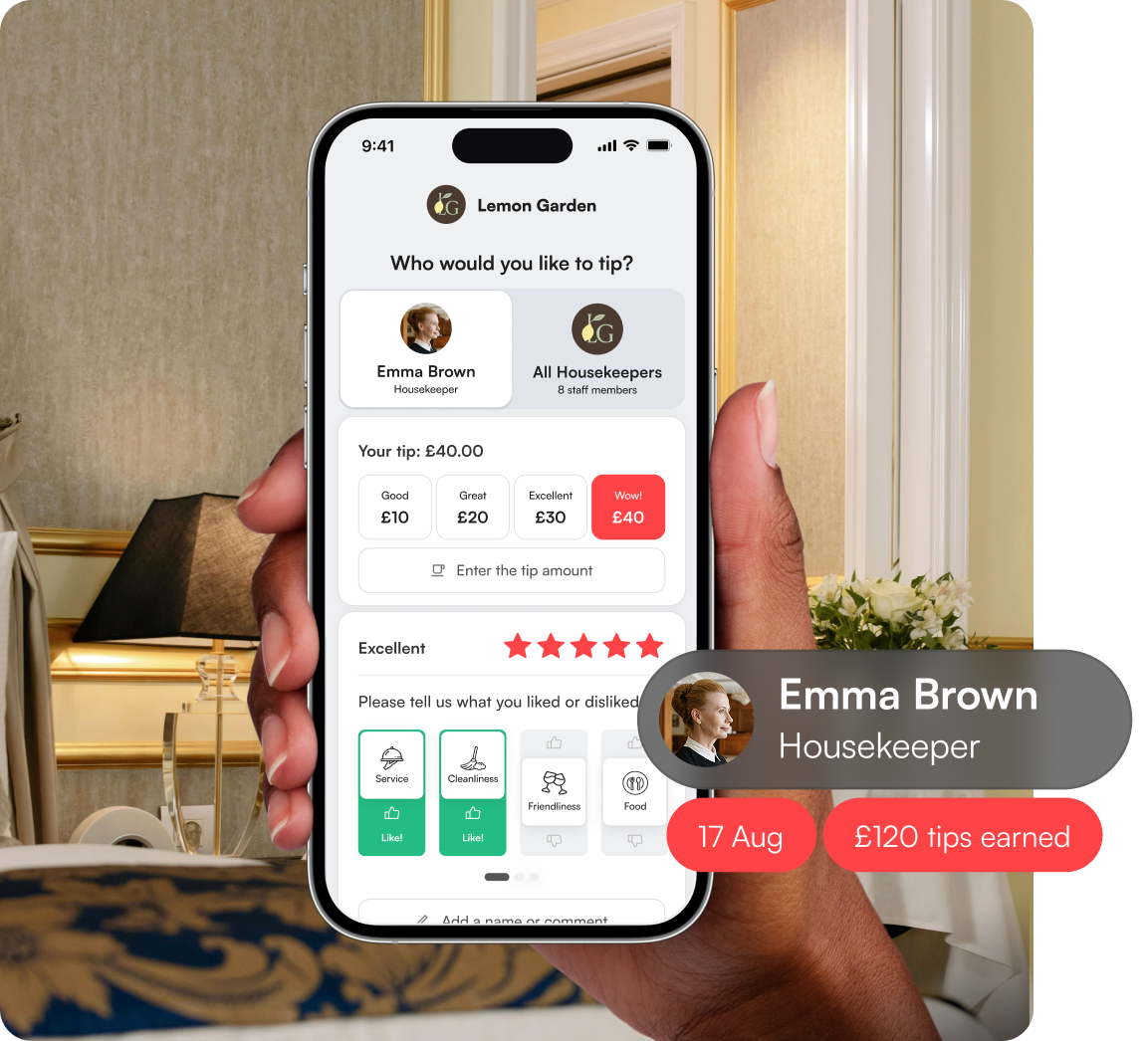
Reward the Housekeeper Behind the Room
No manual assignment. No back-and-forth to confirm who worked which job. No unnecessary involvement from managers.
Staff check themselves in, EasyTip records responsibility, and tips are allocated automatically in the background.
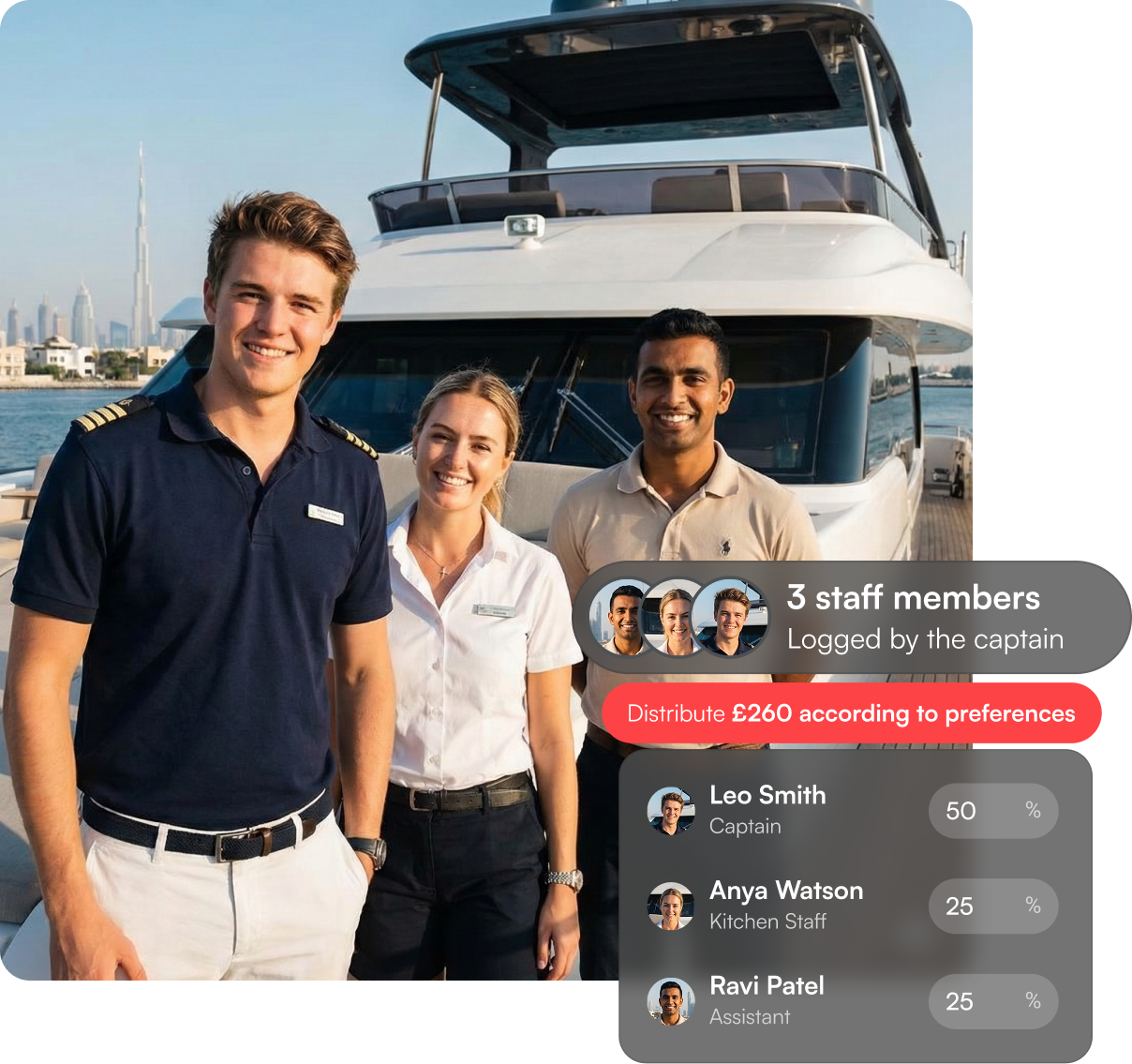
Tips for the Whole Crew, Made Simple
EasyTip Check-in empowers you to create QR codes with variable parameters. So no matter how complex your team’s schedule is, tips will always be allocated automatically and instantly.
.png?width=20&height=20&name=Background%20(12).png)
Fewer allocation errors
More transparency for staff


Both staff and clients absolutely love the EasyTip method of paying tips directly. It's so incredibly easy to use for clients and the feedback has been great. The staff love having EasyTip in place in the salon. The staff members can receive tips when clients have no cash available!

With EasyTip we've saved a lot of time on admin because it's just there in the background, it works all fluidly and we don't have to think about it. You save money because people aren't adding money on top of their cards that you have to pay interest on.
-1.png?width=71&height=71&name=Ellipse%208%20(1)-1.png)
EasyTip has completely transformed the way we get tips because people don't carry as much cash these days. My favourite feature on the EasyTip app is that you can get instant tip payouts. It is great, efficient and reliable. I would 100% recommend EasyTip.
.png?width=71&height=71&name=Daniel%20Galvin%20(1).png)
EasyTip was the most straightforward choice for us to install and implement. Our guests are in the car having previously paid the bill so it is important that tipping is separate from paying the bill for the guests and goes directly to the driver themselves.
.png?width=71&height=71&name=Small%20Car%20Big%20City%20(1).png)
EasyTip for us, as a business, really ensures that the staff have first-hand feedback.We pride ourselves on excellent customer service so for the staff to see an immediate notification that their previous client was happy with their service and they've been tipped is a dream and a win-win.
.png?width=71&height=71&name=Stil%20(1).png)


.png?width=465&height=456&name=iPhone%20(1).png)